How to Use Git: A Beginner’s Guide
This tutorial shows you how to use Git to track changes in a project using just a few core commands and save clean snapshots of your work. If you’ve ever changed a file, broken something, and wished you could undo it, version control makes that possible. Git keeps a running history of your files so you can see what changed and when.
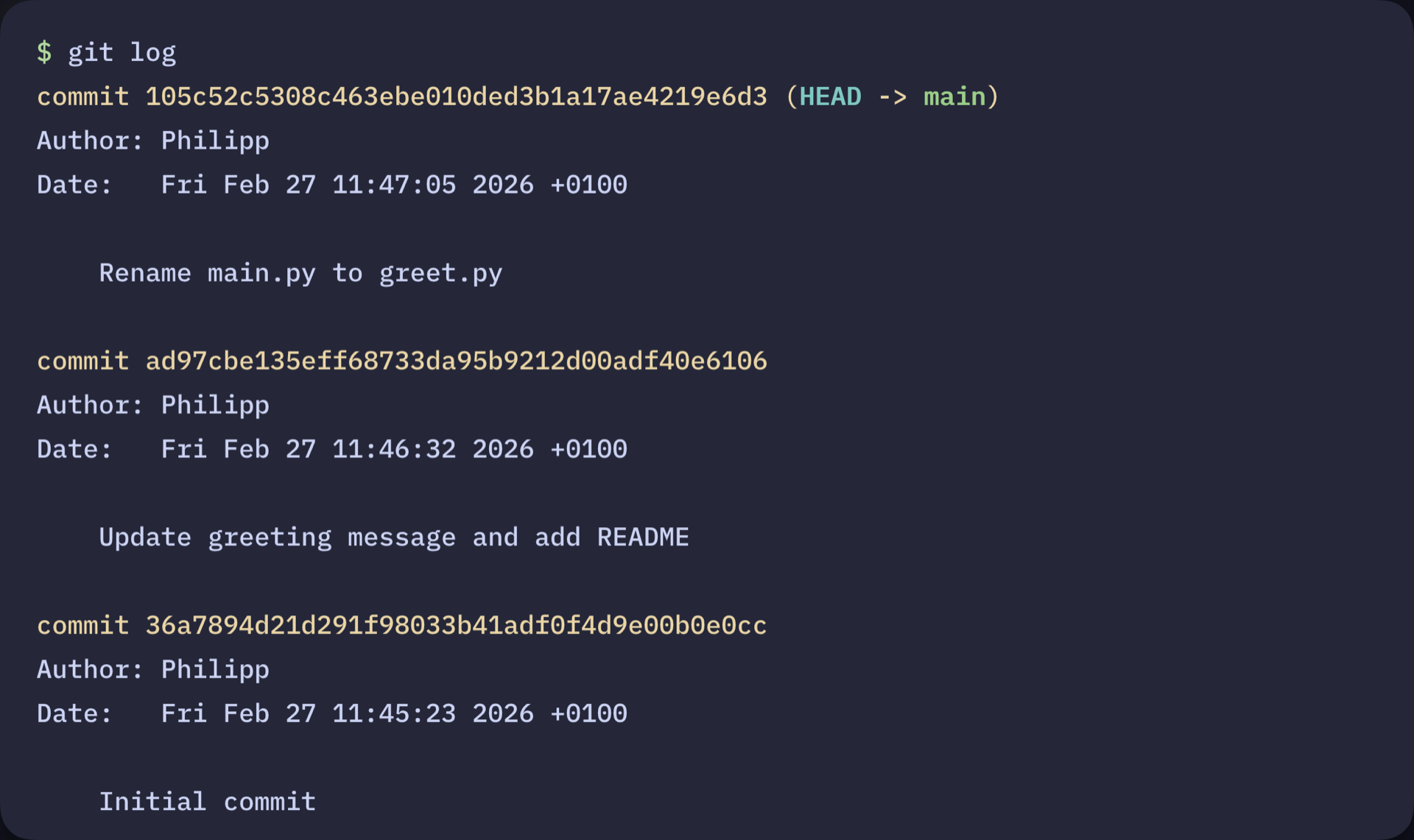
In this guide, you’ll set up Git locally and use the core workflow from the terminal to track and record changes in a Python project. By the end, you’ll have a working Git repository with a recorded commit history you can inspect and manage: